“Print Anything, Anywhere with Can Inkjet Sublimation Paper!” – SUBLIMATIONTRANSFERPAPER – Quick Dry Sublimation Transfer Paper Factory, Instant Dry Sublimation Paper Manufacturer, Made in China
A common misconception in sublimation printing is that Inkjet Sublimation Paper works with all printers. The short answer is no—compatibility hinges on printer type, ink system, and hardware design. Below is a detailed breakdown to clarify which printers are suitable, which to avoid, and how to ensure seamless use.
Printers Compatible with Inkjet Sublimation Paper
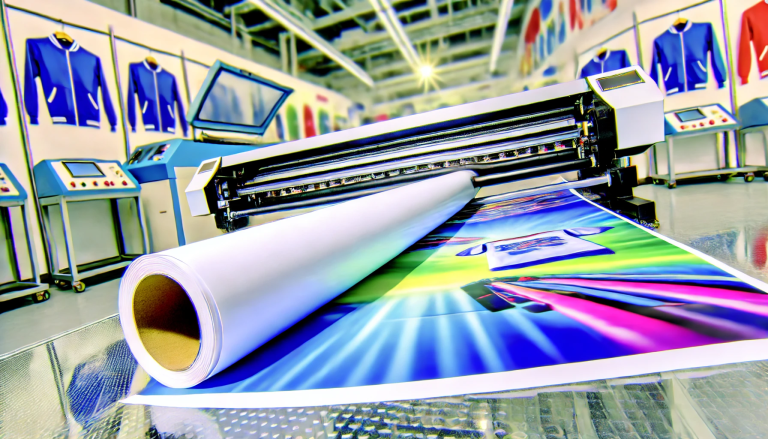
Inkjet Sublimation Paper is exclusively designed for inkjet printers, particularly those modified or factory-built for sublimation. Desktop models like the Epson SureColor ET-2800, F170, and large-format options such as Mimaki TS300 are ideal choices. These printers feature piezoelectric print heads, which efficiently handle liquid sublimation inks without clogging, ensuring smooth ink absorption and transfer onto the paper’s specialized coating.
Incompatible Printers: Reasons for Failure
Laser printers are entirely incompatible with Inkjet Sublimation Paper. They use powder-based toner and high heat during the fusing process, which damages the paper’s coating, distorts prints, and prevents proper sublimation. Additionally, non-modified inkjet printers using regular dye or pigment inks won’t work—sublimation requires specialized inks that vaporize under heat, a property regular inks lack.
Practical Tips to Ensure Compatibility
First, verify your inkjet printer has a piezoelectric print head (avoid thermal heads, which struggle with sublimation inks and may cause clogs). Second, use a dedicated sublimation printer or modify a compatible inkjet model by flushing regular inks and installing sublimation inks. Finally, match the paper’s GSM to your printer’s paper-handling capacity to prevent jams and maintain print quality.
Printers That Work with Inkjet Sublimation Paper
Inkjet Sublimation Paper is specifically designed for inkjet printers, especially those modified or manufactured for sublimation use. Desktop models like Epson SureColor series (e.g., ET-2800, F170) and large-format options such as Mimaki TS300 are ideal. These printers use piezoelectric print heads, which handle sublimation inks (liquid-based) without clogging, ensuring smooth ink transfer onto the paper’s coating.
Printers to Avoid: Why Compatibility Fails
Laser printers are incompatible with Inkjet Sublimation Paper. Laser printers use toner (powder-based) and high heat during fusing, which damages the paper’s coating and prevents proper sublimation. Additionally, non-modified inkjet printers using regular dye or pigment inks won’t work—sublimation requires specialized inks that turn into gas under heat, a property regular inks lack.
Key Tips for Ensuring Compatibility
First, confirm your inkjet printer has a piezoelectric print head (avoid thermal heads, which struggle with sublimation inks). Second, modify or use a printer dedicated to sublimation (converting involves flushing regular inks and installing sublimation inks). Finally, check the paper’s GSM—match it to your printer’s paper-handling capacity to avoid jams and poor print quality.