“Print with Precision: Get the Most Out of Your 24-inch Inkjet Sublimation Paper!” – SUBLIMATIONTRANSFERPAPER – Sticky Vinyl Sublimation Paper Manufacturer, Sublimation Paper Sheet Wholesale, Made in China
1. Pre-Use Preparation
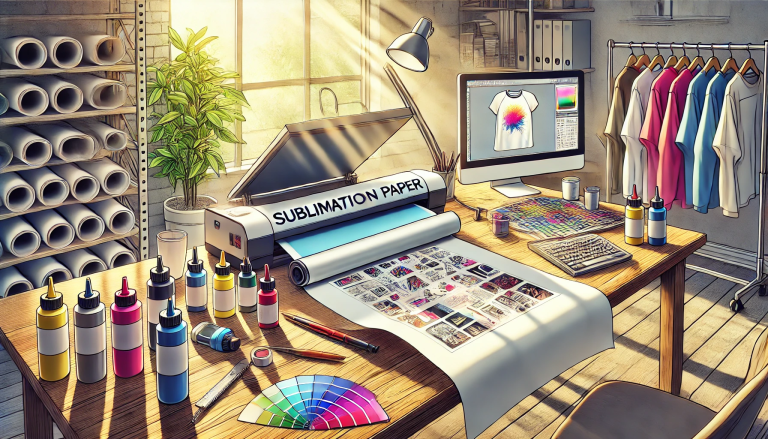
Before starting, ensure compatibility: 24-inch Inkjet Sublimation Paper works exclusively with inkjet sublimation printers (e.g., Epson SureColor, Ricoh SG series) and dye-sublimation inks—avoid pigment or standard dye inks. Check the paper’s weight (typically 70–100 g/m²) and confirm your printer supports 24-inch media. Prepare your substrate: Opt for 100% polyester or polymer-coated items (t-shirts, mugs, signage) for optimal ink bonding; pre-wash fabric substrates to remove residues. Gather tools: A heat press (clamshell/swing-away), lint roller, and heat-resistant tape.
2. Printer Setup & Loading
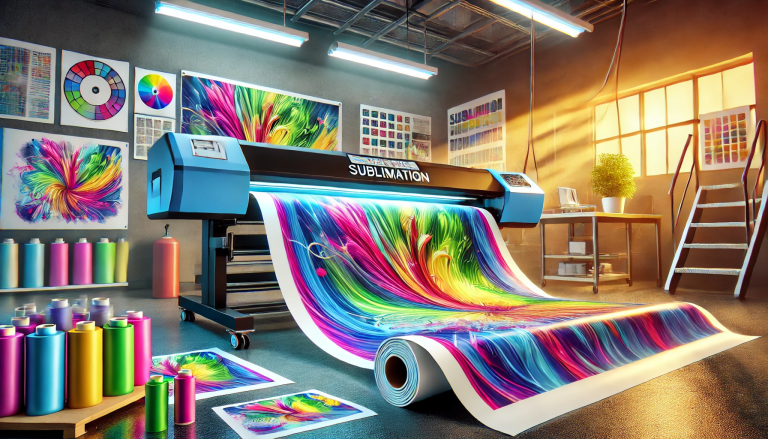
Adjust printer settings: Select “Sublimation Paper” or “Photo Paper” as the media type, set print quality to “High” for sharp details, and ensure color management is calibrated to match your design. Load the 24-inch paper correctly: Place the paper with the coated side (brighter, smoother surface) facing the inkjet nozzles—refer to the printer manual for 24-inch roll/ sheet loading instructions to avoid jams. Test with a small design first to verify ink flow and alignment.
3. Design Printing & Drying
Print your digital design (ensure it’s mirrored for transfers, critical for apparel/flat substrates). Thanks to the paper’s absorbent coating, prints dry quickly (1–3 minutes); avoid touching the printed area until fully dry to prevent smudging. For large designs, use a paper cutter to trim excess paper, leaving a 0.5-inch border around the design for easier alignment.
4. Heat Press Application
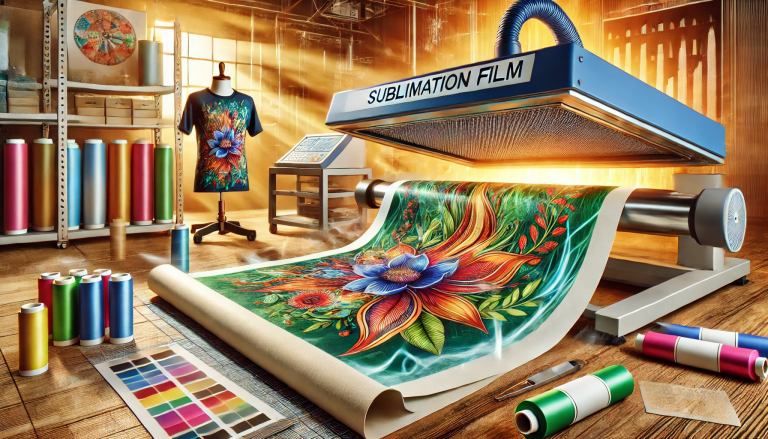
Preheat the heat press to 180–200°C (356–392°F) and set pressure to medium-high (40–60 psi). Prepare the substrate: Use a lint roller to remove dust/fuzz from fabric; for rigid items, ensure they’re clean and dry. Position the printed paper (design side down) on the substrate, secure with heat-resistant tape to prevent shifting. Press for 15–30 seconds (adjust based on substrate: longer for rigid items, shorter for thin fabrics).
5. Post-Press Steps
After pressing, open the heat press and peel the paper immediately (hot peel) for most substrates—this ensures vibrant color transfer and avoids ghosting. Allow the substrate to cool completely (5–10 minutes) before handling. For fabric items, a post-wash with mild detergent (cold water, gentle cycle) will enhance print durability. Store unused 24-inch paper in a sealed bag in a cool, dry place to prevent moisture absorption.