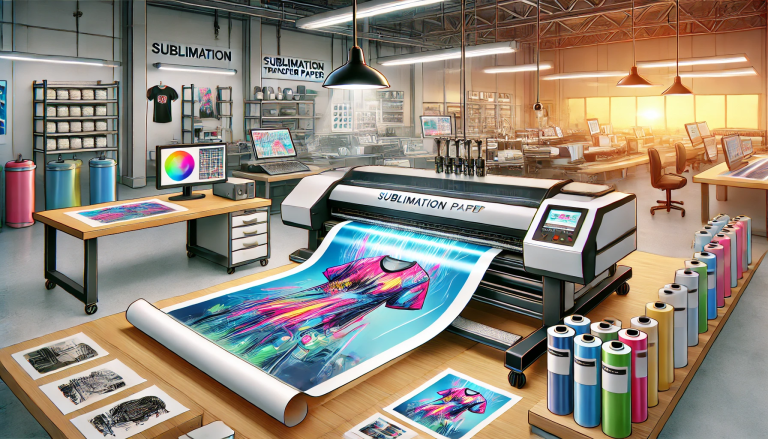
“Bring Your Designs to Life with Tacky Inkjet Sublimation Paper!” – SUBLIMATIONTRANSFERPAPER –Hi-Sticky Sublimation Heat Paper Supplier, A3 Vinyl Sublimation Paper Factory, Made in China
Tacky Inkjet Sublimation Paper features a sticky coating on one side, designed to secure the paper to substrates during heat pressing, preventing shifting and ensuring precise transfers. Follow these steps to leverage its unique tacky property for flawless results.
1. Identify the Tacky Side and Prep Design
First, distinguish the tacky side of the paper—lightly touch both sides; the sticky one is for adhering to the substrate. Print your mirrored design (critical for text) on the non-tacky side using sublimation inks and a compatible inkjet printer. Let the ink dry for 2–3 minutes to avoid smudging.
2. Position and Adhere the Paper
Pre-press your polyester or coated substrate at 375°F (190°C) for 5–10 seconds to remove moisture. Place the printed paper’s tacky side directly onto the substrate—its stickiness will hold it firmly in place, eliminating the need for extra heat-resistant tape.
3. Heat Press for Optimal Transfer
Set your heat press to 375–385°F (190–195°C), apply medium-high pressure, and press for 45–60 seconds. The tacky coating maintains alignment throughout, ensuring even ink release and sharp details without blurring.
4. Peel and Post-Care
Use the hot-peel method: immediately peel the paper after pressing while it’s still warm. Let the substrate cool fully. Avoid touching the tacky side with bare hands before use, and store unused paper in a dry, sealed bag to preserve stickiness.