“Create Lasting Memories with 24-inch Sublimation Transfer Paper on Mugs!” – SUBLIMATIONTRANSFERPAPER – Fast Dry Sublimation Transfer Paper Manufacturer, A3 Sublimation Transfer Paper Supplier, Made in China
Sublimation printing is a popular technique for creating high-quality, long-lasting designs on a variety of surfaces, including mugs. One of the key tools in this process is sublimation transfer paper. If you’re working with 24-inch sublimation transfer paper and want to apply designs to mugs, this guide will walk you through the steps to achieve professional-looking results.
What is 24-Inch Sublimation Transfer Paper?
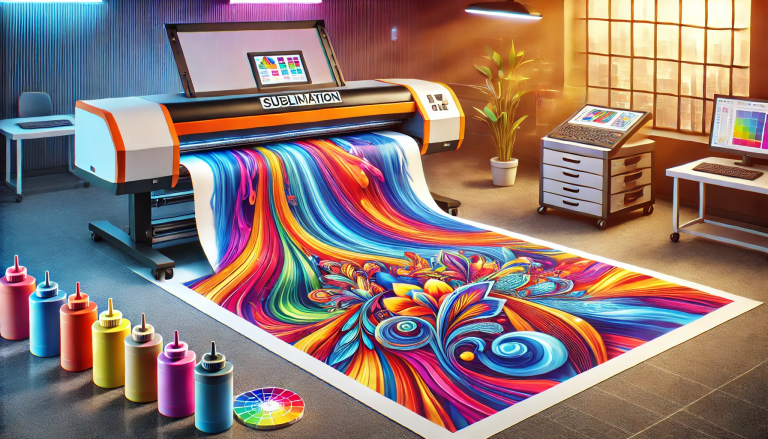
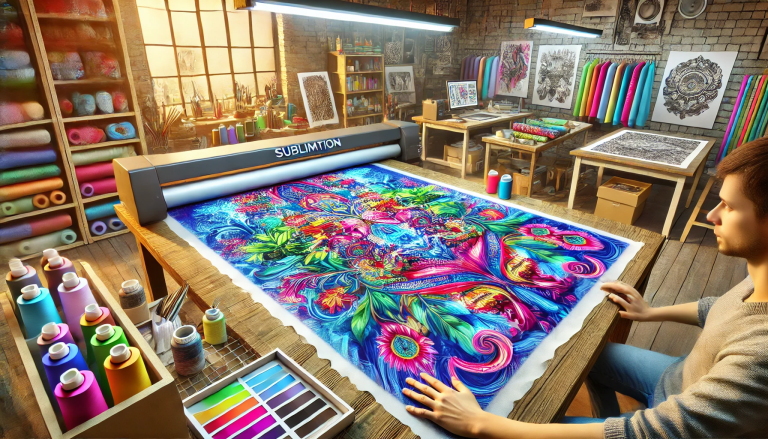
24-inch sublimation transfer paper is a wide roll of specialized paper designed for printing high-resolution images that can be transferred onto items like mugs, ceramic tiles, and other substrates. It’s compatible with sublimation inks and works by allowing the ink to bond with the substrate at high temperatures, creating a vibrant and durable finish.
Materials You’ll Need
Before you begin, ensure you have the following materials:
- 24-Inch Sublimation Transfer Paper
- Sublimation Ink Printer (compatible with the transfer paper)
- Design Software (e.g., Adobe Photoshop, CorelDRAW, or free software like Canva)
- Sublimation Mug Blank (ceramic or coated mug)
- Heat Press Machine
- Lint-Free Cloth
- Sublimation Tape (optional, for securing the transfer paper)
- Mug Wrap Template (if printing designs for the curved surface of the mug)
Step-by-Step Guide
1. Prepare Your Design
- Open your design software and create or import the image you want to print on the mug.
- If you’re printing a wraparound design, use a mug wrap template to ensure the design fits correctly on the curved surface of the mug. The standard mug size is 11 inches in circumference, so adjust your design to fit this dimension.
- Save your design in a high-resolution format (e.g., 300 DPI) to maintain clarity.
2. Load the 24-Inch Sublimation Transfer Paper
- Unroll the 24-inch sublimation transfer paper and load it into your sublimation printer.
- Ensure the paper is aligned correctly to avoid misprints.
3. Print the Design
- Select the sublimation ink setting on your printer.
- Print your design onto the sublimation transfer paper. Be sure to print the design mirrored (reverse image) so it appears correctly when transferred to the mug.
4. Cut the Transfer Paper
- Once the print is complete, carefully cut out the design, leaving a small border around it.
- For a wraparound design, cut the paper to the exact dimensions of the mug wrap template.
5. Prepare the Mug Blank
- Clean the mug blank thoroughly to remove any dust or oils.
- Preheat your heat press machine to the recommended temperature for sublimation (typically 385–400°F or 195–205°C) and set the time to around 35–60 seconds.
6. Apply the Transfer Paper
- Place the sublimation transfer paper face down on the mug blank. Ensure the design is centered and aligned properly.
- Use sublimation tape (optional) to secure the edges of the transfer paper and prevent it from shifting during the pressing process.
7. Heat Press the Mug
- Place the mug into the heat press machine, ensuring the transfer paper is in direct contact with the mug.
- Close the heat press and apply even pressure for the specified time.
- Be cautious not to overheat or underheat the mug, as this can affect the quality of the transfer.
8. Remove the Transfer Paper
- After the pressing process, carefully remove the mug from the heat press and let it cool for a few minutes.
- Gently peel off the transfer paper while the mug is still warm. The design should transfer smoothly and seamlessly onto the mug.
9. Inspect the Result
- Once the mug has cooled completely, inspect the design for any imperfections. You can touch up any areas with additional transfers if needed.
Tips for Success
- Always use a sublimation-coated mug blank to ensure the ink bonds properly.
- Avoid touching the printed surface of the transfer paper with your fingers to prevent smudging.
- Test a small design on a spare mug blank to get familiar with the process before working on your main project.
- Store your 24-inch sublimation transfer paper in a dry, cool place to prevent wrinkles or damage.
Conclusion
Using 24-inch sublimation transfer paper on mugs is a straightforward process that yields stunning, professional results. By following the steps above, you can create personalized and durable mug designs that are perfect for gifts, merchandise, or personal use. With practice, you’ll become proficient in using sublimation transfer paper and produce flawless designs every time.