“Unlock Your Creativity with Quaff Sublimation Transfer Paper Sheet!” – SUBLIMATIONTRANSFERPAPER – Vinyl Sublimation Paper Factory, Digital Sublimation Transfer Paper Supplier, Made in China
1. Preparations: Gather Tools and Materials
Kickstart your project by assembling all essential supplies: Quaff sublimation transfer paper sheets, a sublimation printer filled with Quaff-compatible sublimation inks, a heat press machine, your chosen substrate (polyester or polymer-coated items like t-shirts, ceramic mugs, or phone cases work best), a lint roller, and scissors for resizing designs if needed. A key note: Quaff paper’s specialized high-ink-absorption coating only works with sublimation inks—standard inkjet or laser inks will not transfer properly and will waste materials.
2. Step 1: Design and Print the Image
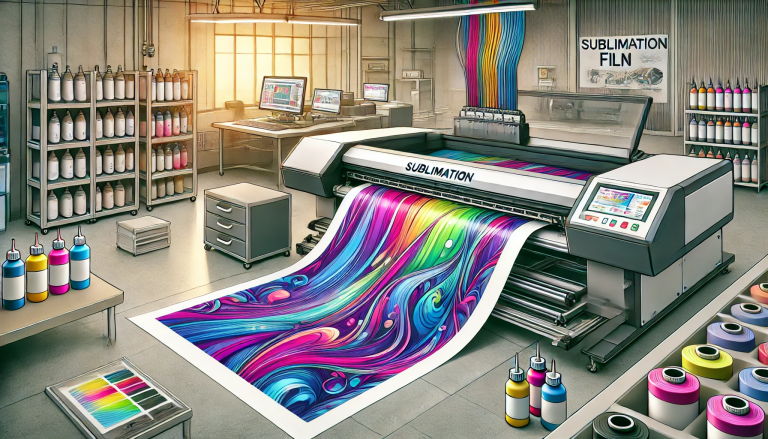
Begin by crafting or selecting your design in graphic software such as Adobe Photoshop or CorelDRAW. Always mirror the image—this step is non-negotiable, as the transfer process will reverse the design onto your substrate. Load the Quaff sublimation paper into your printer, ensuring the coated side (usually the brighter, smoother side, often marked with a logo or indicator) faces the inkjet nozzles. Print at 1200 DPI for crisp details; Quaff’s premium surface locks in ink effectively, resulting in bold, true-to-color prints.
3. Step 2: Prep the Substrate and Heat Press
Prep your substrate to ensure a flawless transfer: use a lint roller to remove dust, lint, or hair—even tiny particles can create gaps in the print. For fabric substrates (e.g., t-shirts), pre-press at 160°C (320°F) for 5-10 seconds to eliminate moisture and wrinkles, which can cause ink bleeding. Set your heat press according to Quaff’s guidelines: most substrates require 180-200°C (356-392°F) and medium-high pressure (40-50 psi). Always refer to Quaff’s product manual for substrate-specific settings (e.g., mugs need lower pressure than thick hoodies).
4. Step 3: Position and Transfer the Design
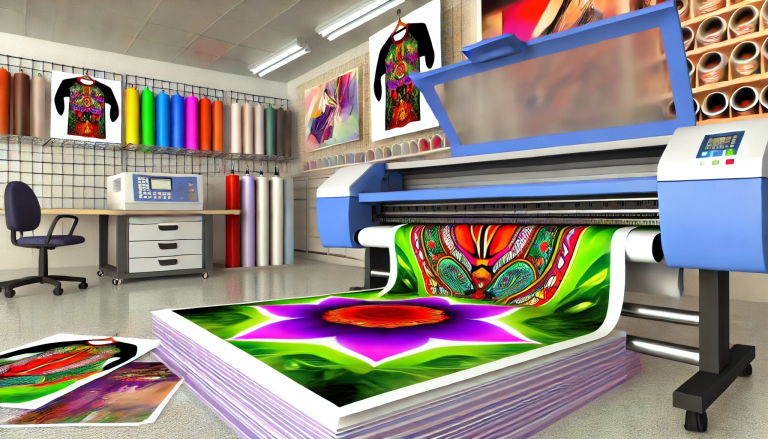
Align the printed Quaff paper with your substrate, placing the inked (design) side directly down onto the surface. Secure the paper with heat-resistant tape to prevent shifting during pressing—this is crucial for precise results. Close the heat press and apply the preset temperature and pressure for 20-40 seconds: thin fabrics need 20-25 seconds, while thick or coated substrates (like ceramic) require 30-40 seconds. Quaff’s quick-drying coating facilitates efficient ink sublimation, so you won’t encounter smudges or uneven color.
5. Step 4: Cool and Finish
When the pressing cycle ends, open the heat press and immediately peel the Quaff paper in one smooth, quick motion—delayed peeling can cause ink to adhere to the paper. Let the substrate cool fully (5-10 minutes) before handling, as hot surfaces can smudge the design. For fabric items, wait 24 hours before washing, then use cold water, mild detergent, and wash inside out to preserve the print’s vibrancy. Quaff’s transfers are designed to resist fading and peeling, even after multiple washes.
Key Tips for Optimal Results
Store unused Quaff paper in a sealed bag in a cool, dry area—avoid direct sunlight or humidity, which can damage the coating. Never touch the printed ink side with bare hands, as skin oils can disrupt the transfer. For dark-colored substrates, pair Quaff paper with a white sublimation base layer to make colors pop, since Quaff performs best on light or white polymer surfaces. By following these steps and tips, you’ll consistently achieve professional, long-lasting results with Quaff sublimation transfer paper.