“Print with precision – Get the perfect results with a Sublimation Paper Sheet Printer!” – SUBLIMATIONTRANSFERPAPER – A3 Sublimation Transfer Paper Factory, Industrial Sublimation Transfer Paper Manufacturer, Made in China
A common question among those new to sublimation printing is: Do you have to have a Sublimation Paper Sheet printer? The short answer is no—there is no dedicated “Sublimation Paper Sheet printer” as a distinct category. Instead, sublimation printing relies on sublimation-compatible printers that work with both sheet and roll formats of sublimation paper. Below is a detailed breakdown of this key point, including compatible printer types, format considerations, and when to choose sheet vs. roll printing.
1. No “Dedicated” Sublimation Paper Sheet Printer: The Core Truth
Sublimation paper sheets are not tied to a specific “Sublimation Paper Sheet printer.” Instead, any printer modified for sublimation (or designed specifically for sublimation) can handle sublimation paper sheets, provided it supports the sheet size (e.g., A4, A3). The critical factor is not the printer’s “sheet-only” capability, but its compatibility with sublimation ink and the ability to feed and print on sublimation paper’s coated surface.
Sublimation printers use Micro Piezo (Epson) or thermal (Ricoh) printheads that are optimized for sublimation ink (disperse dyes), which is the key requirement for successful sublimation on paper sheets. There is no industry distinction between a “sublimation sheet printer” and a “sublimation roll printer”—most sublimation printers can accommodate both formats with the right paper handling accessories.
2. Compatible Printer Types for Sublimation Paper Sheets
The printers that work with sublimation paper sheets fall into two main categories:
Modified Desktop Inkjet Printers: Entry-level options like Epson EcoTank series (e.g., ET-2800, ET-4850) are popular for hobbyists. These standard inkjet printers are modified by replacing regular ink with sublimation ink and installing sublimation-compatible printheads. They easily handle sublimation paper sheets (A4/A3) and are cost-effective for small-scale projects.
Professional Sublimation Printers: Designed specifically for sublimation, models like Epson SureColor F-series or Ricoh SG series support both sheet and roll formats. They feature advanced paper handling (e.g., adjustable paper guides, suction feeding) to ensure smooth printing on sublimation paper sheets, even at high resolutions. These are ideal for small businesses or high-volume production.
3. Sheet vs. Roll: Choosing Based on Project Needs
Since no dedicated Sublimation Paper Sheet printer is needed, the choice between sheet and roll sublimation paper depends on your project scale and design size:
Sublimation Paper Sheets: Best for small-scale projects (hobbyists, custom gifts), small design sizes (e.g., mugs, phone cases, small apparel), or intricate designs that require precise cutting. They are easy to load into desktop printers and minimize paper waste for small jobs.
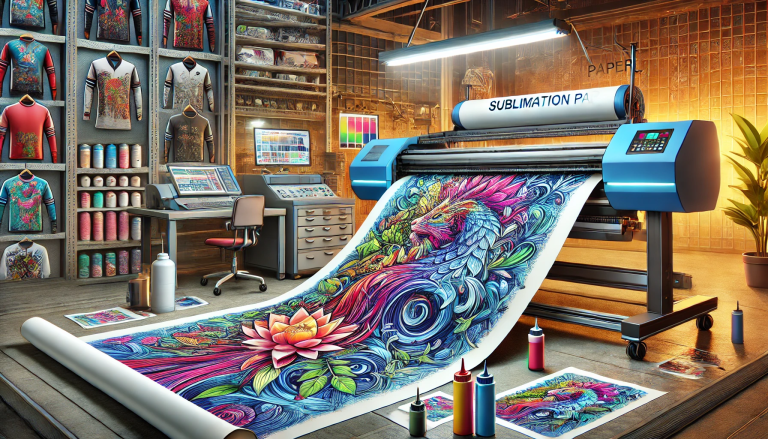
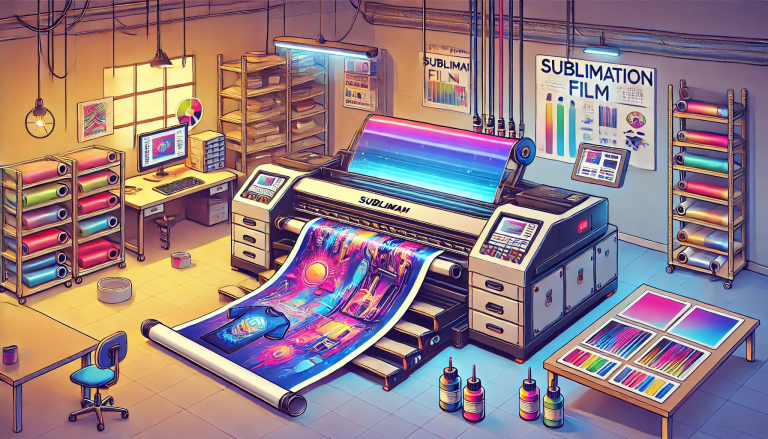
Sublimation Paper Rolls: Suitable for large-scale or continuous production (e.g., full-size t-shirts, banners), large design sizes, or high-volume orders. Roll printers (often professional models) offer efficiency but require more space and are costlier upfront.
4. Key Considerations for Printing on Sublimation Paper Sheets
While no dedicated printer is required, ensure your sublimation-compatible printer meets these criteria for sublimation paper sheets:
1. Paper Size Compatibility: Verify the printer supports the size of sublimation paper sheets you plan to use (e.g., A4, A3).
2. Coated Paper Support: The printer should handle coated papers (sublimation paper has a specialized coating) without jamming or smudging.
3. Sublimation Ink Compatibility: Use only sublimation ink (disperse dyes) with a printer modified or designed for sublimation—standard inkjet ink will not work.
4. Print Quality Settings: Opt for 720–1440 dpi resolution to ensure sharp, vibrant designs on paper sheets, which translates to better results during heat transfer.
5. Conclusion: No Dedicated Printer Needed—Focus on Compatibility
In short, you do not need a Sublimation Paper Sheet printer. Any sublimation-compatible printer (modified desktop or professional) that supports sheet feeding can handle sublimation paper sheets effectively. The key is to prioritize printer compatibility with sublimation ink and coated paper, rather than seeking a “sheet-specific” model. By choosing the right sublimation printer and matching paper format (sheet vs. roll) to your project needs, you can achieve professional, durable sublimation results without investing in a dedicated sheet printer.